Best PDF to JSON converters in 2026
Compare the best PDF to JSON converters in 2026. Discover top tools for extracting structured data from PDFs, including AI-powered solutions for scanned and complex documents. Find the right tool for automation, accuracy, and API workflows.

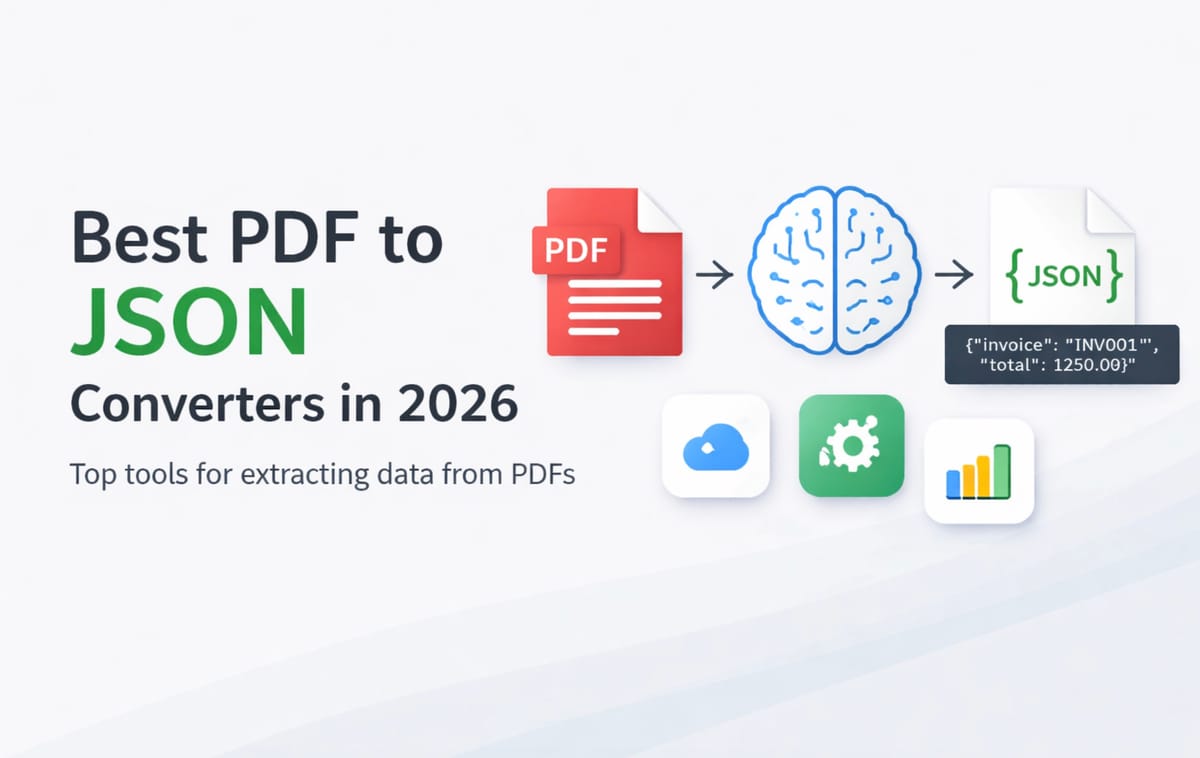
PDF files are widely used in business. But they are not easy to work with.
If you want to automate workflows, send data to APIs, or store it in databases, you need structured data. JSON is one of the most flexible formats for this.
The challenge is simple:
how do you reliably convert PDF files into JSON?
In this guide, we compare the best PDF to JSON converters in 2026. We tested them based on accuracy, ease of use, and automation capabilities.
What to look for in a PDF to JSON converter
Not all tools are built the same. Before choosing one, it’s important to understand what actually matters.
Accuracy
The tool should extract the correct values, not just raw text. This is especially important for invoices, receipts, and forms.
Handling scanned PDFs
Many PDFs are scanned documents. A good tool should support:
- OCR (text recognition)
- layout understanding
Support for complex layouts
Real-world documents are messy. Look for tools that can handle:
- tables
- nested fields
- inconsistent formats
Ease of use
Some tools require:
- templates
- training
- prompt engineering
Others are much simpler and let you define fields directly.
Automation and API
If you want to scale, you need:
- API access
- webhooks
- integrations (Zapier, Make, etc.)
If you’re new to this, see our guide on
👉 https://airparser.com/blog/how-to-convert-pdf-to-json-automatically/
Quick comparison
| Tool | Best for | Handles scanned PDFs | API | Ease of use |
|---|---|---|---|---|
| Airparser | Flexible AI parsing | Yes | Yes | Very easy |
| Nanonets | Pre-trained models | Yes | Yes | Medium |
| Docsumo | Enterprise workflows | Yes | Yes | Medium |
| Parsio | Structured + AI parsing | Yes | Yes | Easy |
| PDF.co | Basic extraction | Limited | Yes | Medium |
Best PDF to JSON converters
1. Airparser (best for flexible AI extraction)
Airparser is a modern document parsing tool powered by LLMs. It is designed for extracting structured data from unstructured documents.
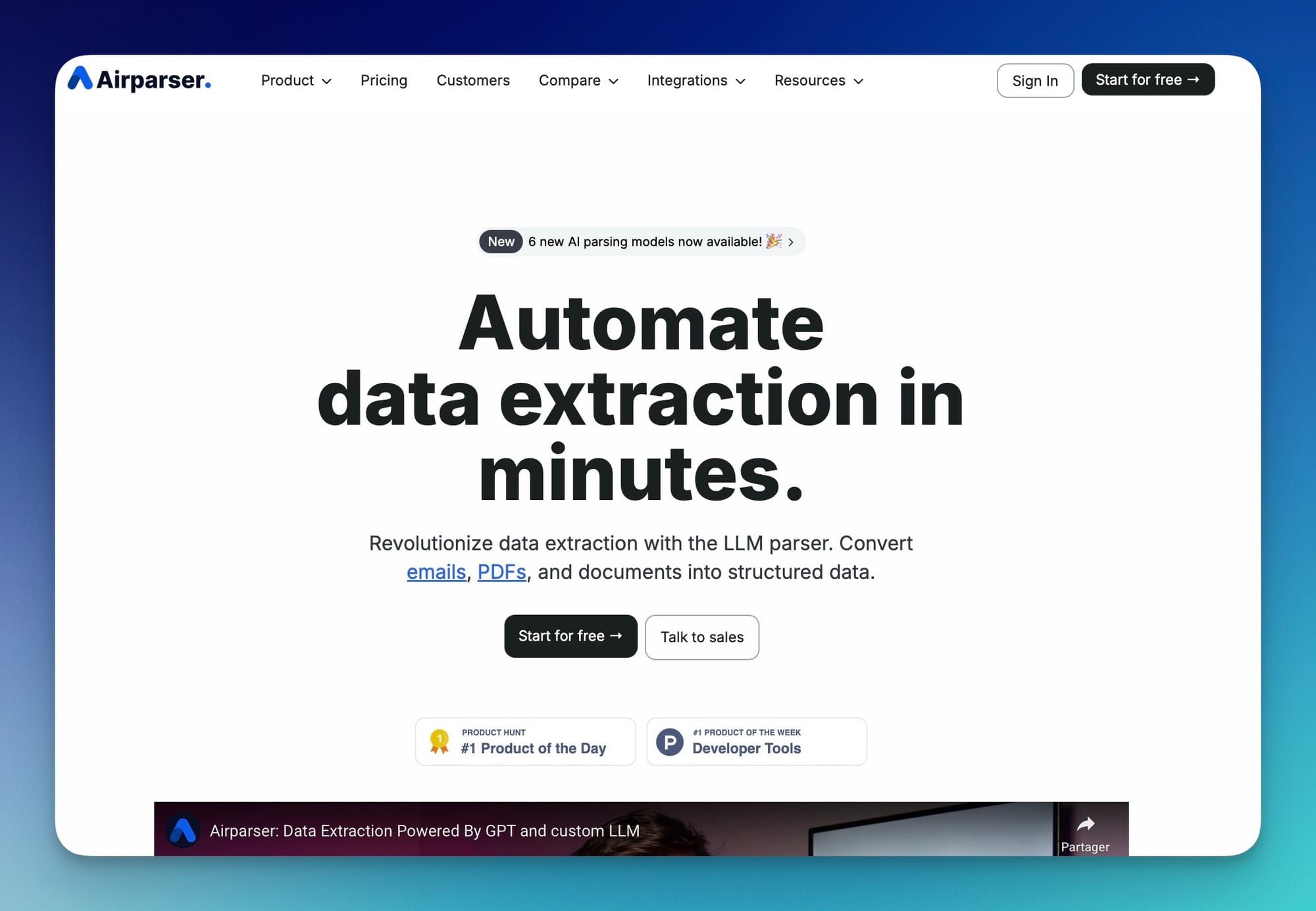
Instead of writing prompts or building templates, you simply define the fields you want to extract.
Pros:
- No prompt writing required
- Schema-based extraction (just define fields)
- Works well with messy and unstructured documents
- Supports both text and vision models
- Easy to automate with API, Zapier, and Make
Cons:
- Not ideal for very long documents (10+ pages)
Best for:
- startups and SaaS teams
- operations workflows
- unstructured or changing document layouts
👉 Learn how it works:
https://airparser.com/blog/how-to-create-custom-extraction-schemas-without-prompt-engineering/
👉 Try Airparser to convert PDFs to JSON automatically
2. Nanonets
Nanonets is a popular AI-based document processing platform with strong OCR capabilities.
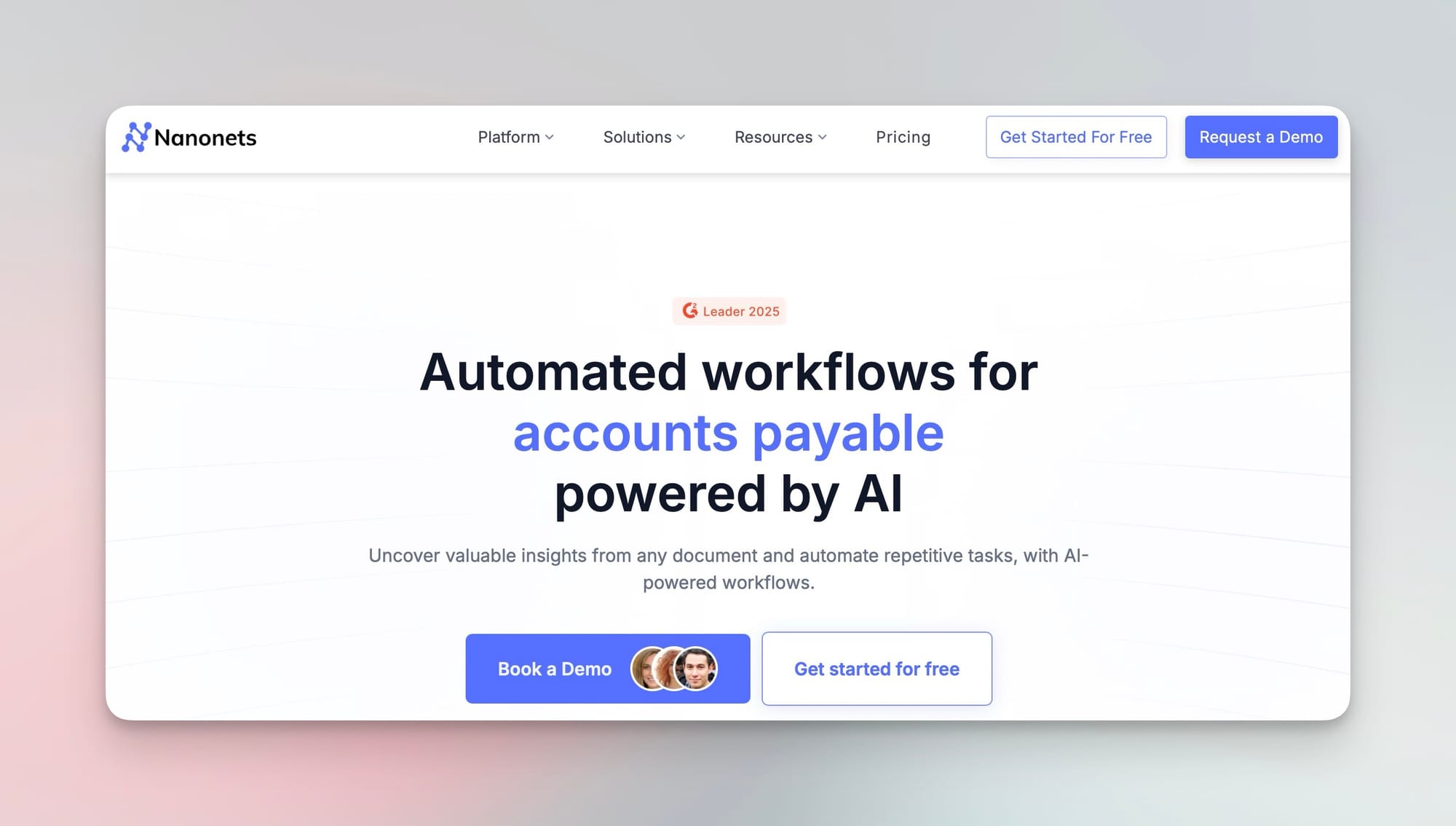
It uses pre-trained models and allows custom training for specific document types.
Pros:
- Strong OCR performance
- Supports many document types
- API available
Cons:
- Expensive
- Requires training for best results
- Less flexible for ad-hoc parsing
- Setup can take time
Best for:
- structured business documents
- teams willing to train models
3. Docsumo
Docsumo is focused on enterprise document processing and workflows.
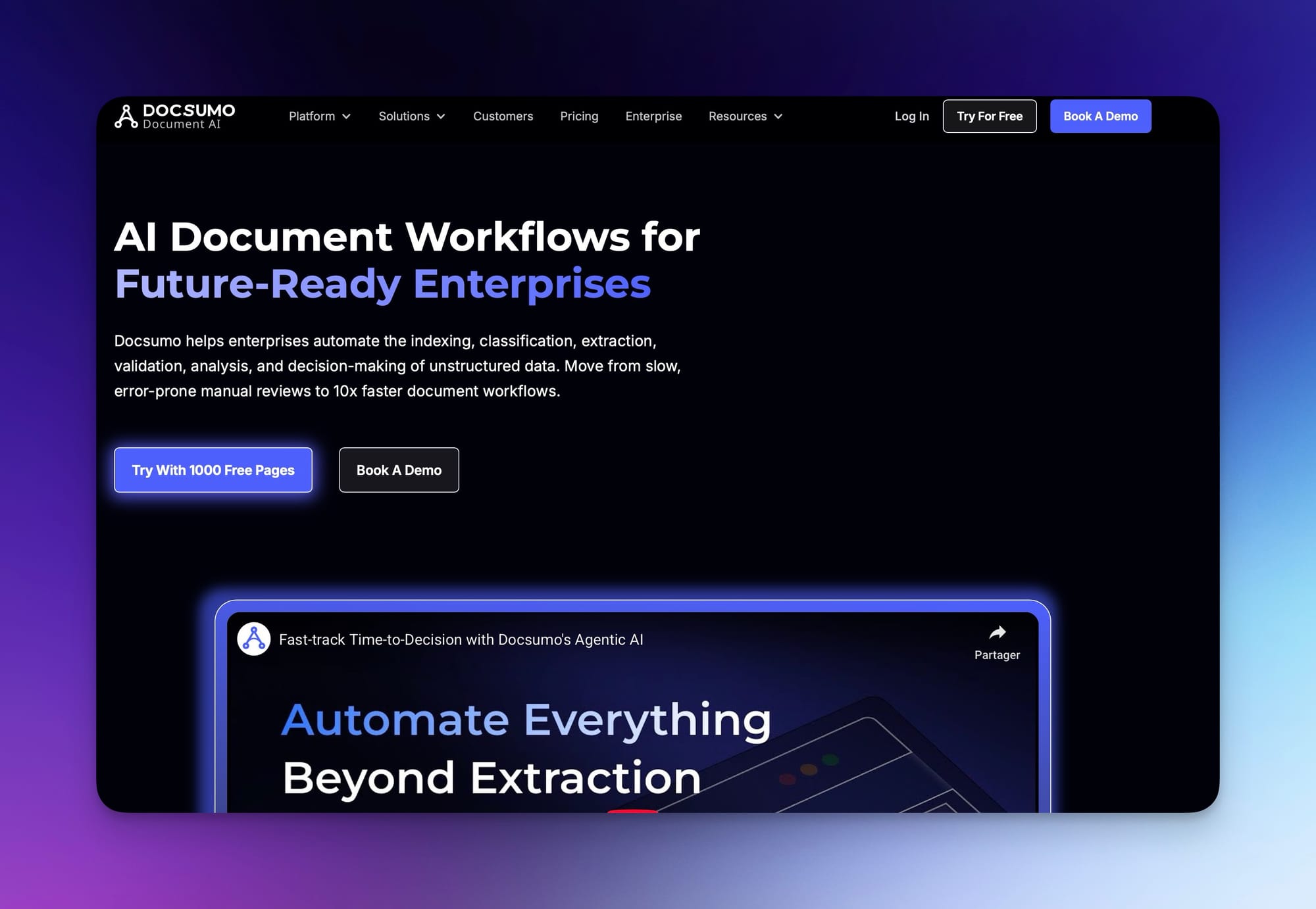
It offers automation tools and integrations for large-scale operations.
Pros:
- enterprise-grade features
- workflow automation
- supports complex documents
Cons:
- expensive
- longer setup time
- less flexible for quick use cases
Best for:
- large companies
- finance and operations teams
4. Parsio (best for structured and pre-trained document types)
Parsio is a powerful document extraction platform that combines multiple parsing approaches.
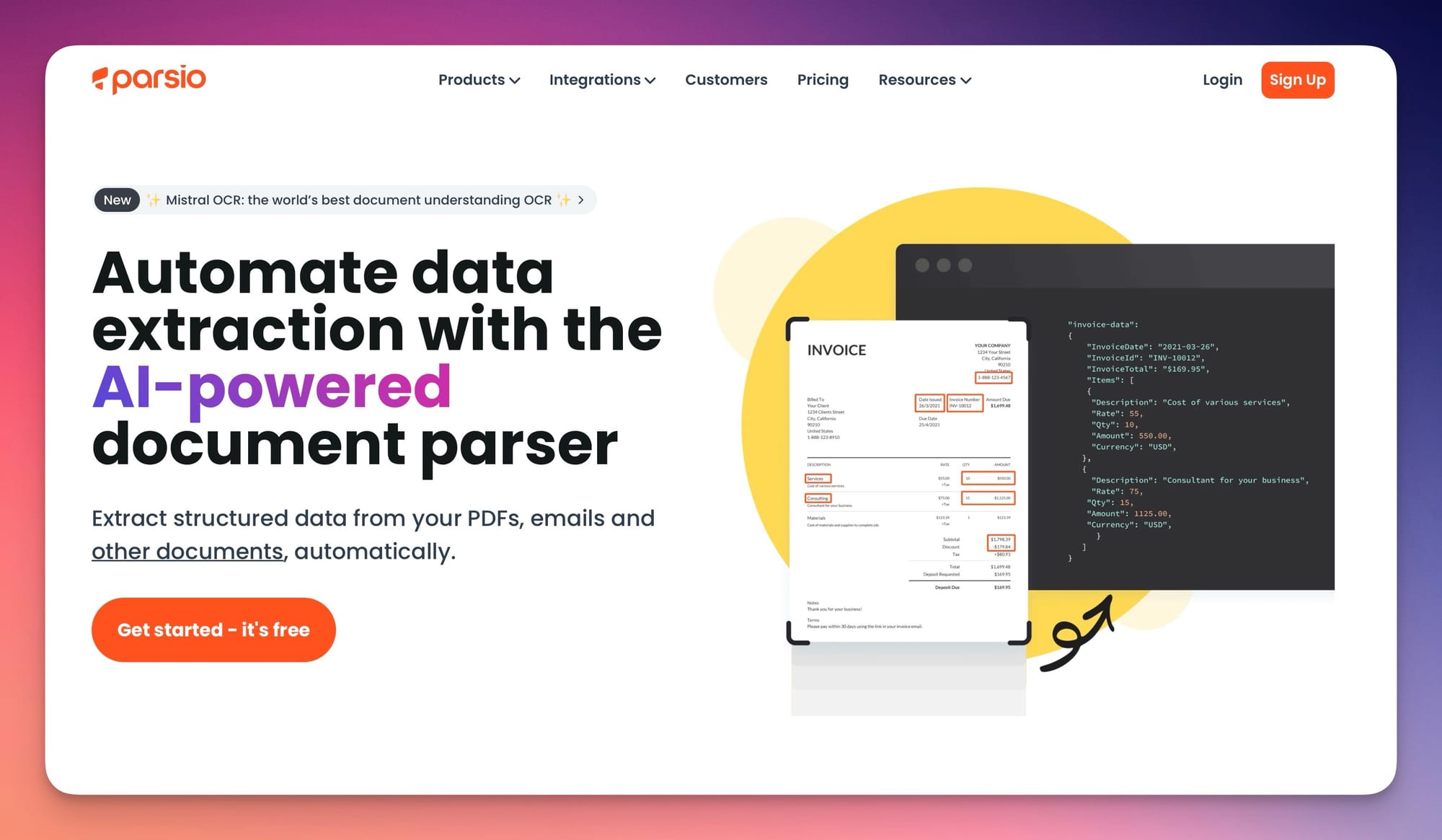
It offers four different parsing engines:
- rule-based parser (for fixed layouts)
- AI-powered parser with pre-trained models
- GPT-powered parser for custom extraction
- OCR converter for scanned documents
Pros:
- Handles scanned PDFs very well (OCR + AI models)
- Supports many formats (PDF, emails, images, etc.)
- Pre-trained models for invoices, receipts, bank statements, and more
- Flexible combination of rule-based and AI parsing
Cons:
- Best performance requires choosing the right parser type
- Less flexible than LLM-first tools for highly unstructured layouts
Best for:
- structured and semi-structured documents
- businesses processing invoices, receipts, and forms
- workflows that combine different document types
👉 See how it compares to AI parsing:
https://airparser.com/blog/comparing-ai-extraction-methods-traditional-ocr-vs-llm-parsing/
5. PDF.co and similar tools
PDF.co and similar tools provide APIs for extracting data from PDFs.
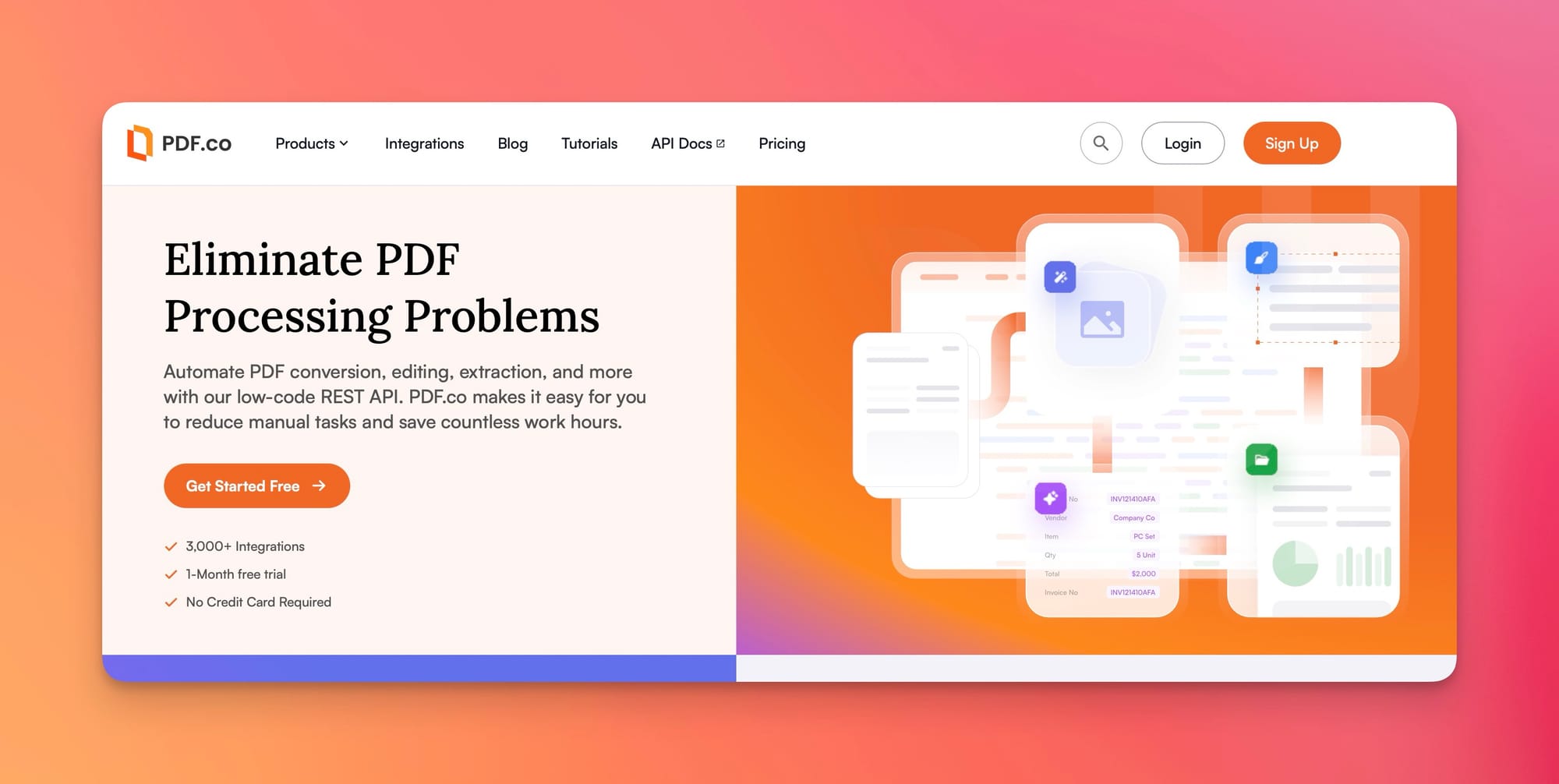
They focus more on:
- OCR
- basic text extraction
- simple automation
Pros:
- easy API access
- supports multiple file formats
Cons:
- limited understanding of document structure
- requires manual processing of extracted data
Best for:
- simple extraction tasks
- developers building custom pipelines
OCR vs AI for PDF to JSON
This is one of the most important differences.
OCR tools
OCR converts images into text.
But:
- it does not understand structure
- tables often break
- JSON output requires extra processing
AI-powered parsing
AI tools understand the document itself.
They can:
- extract structured fields
- handle tables correctly
- work without templates
If you want a deeper comparison, see:
👉 https://airparser.com/blog/zonal-ocr-vs-chatgpt-pdf-parsing/
Which tool should you choose?
Here is a simple way to decide:
- Messy or unstructured documents → Airparser
- Predefined document types → Parsio or Nanonets
- Enterprise workflows → Docsumo
- Simple extraction → PDF.co
Common mistakes when choosing a tool
Relying only on OCR
OCR alone is not enough for structured data extraction.
Using template-based tools for dynamic layouts
Templates break when layouts change.
Ignoring automation
Manual workflows do not scale. Always choose tools with API and integrations.
Conclusion
There are many PDF to JSON converters available in 2026. But they are not equal.
Traditional tools focus on text extraction. Modern AI tools focus on understanding data.
If you need flexibility and automation, AI-powered parsing is the best choice.
👉 Start with Airparser to convert PDFs into structured JSON automatically