Searchable PDF vs OCR PDF: What’s the Difference?
Learn the difference between OCR PDFs and searchable PDFs. Understand how OCR works and how to convert scanned documents into searchable files.

When working with scanned documents, you may encounter terms like OCR, OCR PDF, and searchable PDF. These terms are often used interchangeably, which can make them confusing.
In reality, they describe different parts of the same process.
OCR is the technology that detects text inside images. A searchable PDF is the result of applying OCR to a document.
Understanding the difference can help you choose the right tools and workflows when working with scanned documents.
If your goal is to convert a scanned file into a searchable document, you can also read our detailed guide.
What is a searchable PDF?
A searchable PDF is a document that allows you to search, select, and copy text inside the file.
In these PDFs, the computer can recognize the characters within the document. This means you can:
- search for words using Ctrl + F
- highlight text
- copy and paste text
- index the document in search systems
Searchable PDFs usually contain two layers:
- The original image of the page
- A hidden text layer behind the image
This hidden text layer allows the document viewer to understand the text in the file.
Here is a simple comparison.
| PDF type | Description |
|---|---|
| Scanned PDF | Image of text only |
| Searchable PDF | Image + hidden text layer |
Searchable PDFs are very common in digital archives and document management systems because they allow large collections of documents to be searched quickly.
What is OCR?
OCR stands for Optical Character Recognition.
It is a technology that analyzes images containing text and converts that text into machine-readable characters.
For example, if you scan a printed document, the scanner produces an image of the page. Without OCR, the computer only sees pixels.
OCR software examines the shapes in the image and identifies characters such as:
- letters
- numbers
- punctuation
Once the text is recognized, it can be stored as digital text.
This makes it possible to:
- search documents
- copy text
- edit or analyze content
- index documents in databases
OCR is widely used to digitize printed materials such as invoices, forms, receipts, and historical documents.
What is an OCR PDF?
An OCR PDF is simply a PDF that has been processed using OCR.
In most cases, this means the document was originally scanned or image-based, and OCR was applied to detect the text inside the images.
Once OCR is applied, the PDF typically becomes a searchable PDF.
So the term “OCR PDF” usually describes how the document was created, while “searchable PDF” describes what the document can do.
In other words:
- OCR is the process
- searchable PDF is the result
Searchable PDF vs OCR PDF
The difference between these terms becomes clearer when you compare them directly.
| Term | Meaning |
|---|---|
| OCR | Technology that detects text in images |
| Searchable PDF | A PDF that allows text search and selection |
| OCR PDF | A PDF that was processed using OCR |
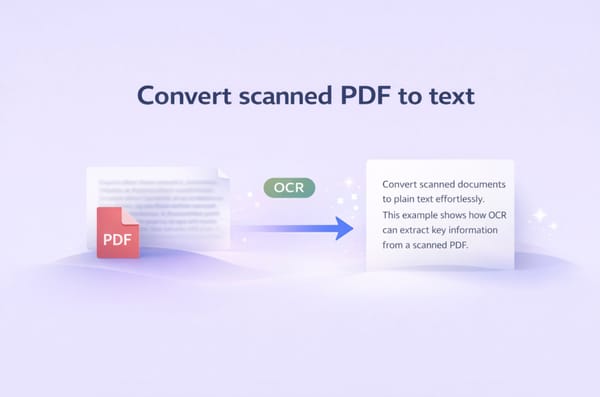
When OCR is applied to a scanned document, the software detects the text and adds a hidden text layer behind the image. This process transforms the document into a searchable PDF.
When you need OCR
You typically need OCR when working with image-based documents.
Examples include:
- scanned contracts
- scanned invoices
- scanned receipts
- photographed documents
- archived paper records
In these cases, the document contains images instead of real text characters.
Without OCR, the text inside the document cannot be searched or copied.
OCR converts those images into machine-readable text so the document becomes usable.
How to convert a PDF into a searchable PDF
The process of converting a scanned document into a searchable PDF usually follows a few simple steps.
- Upload the scanned document
- Run OCR on the file
- The OCR engine detects characters in the image
- A hidden text layer is added to the PDF
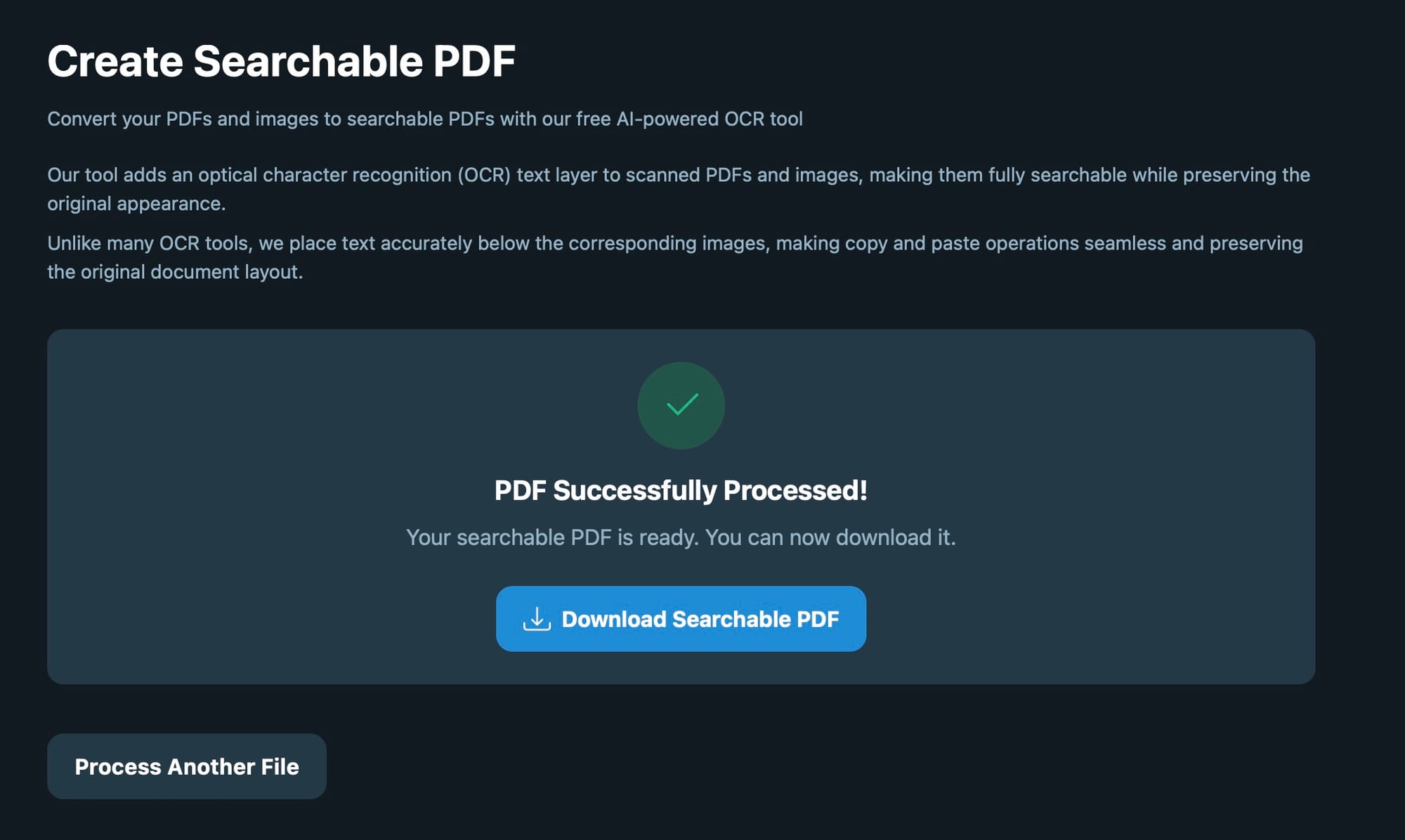
- Download the searchable document
Once OCR is complete, the document can be searched, copied, and indexed.
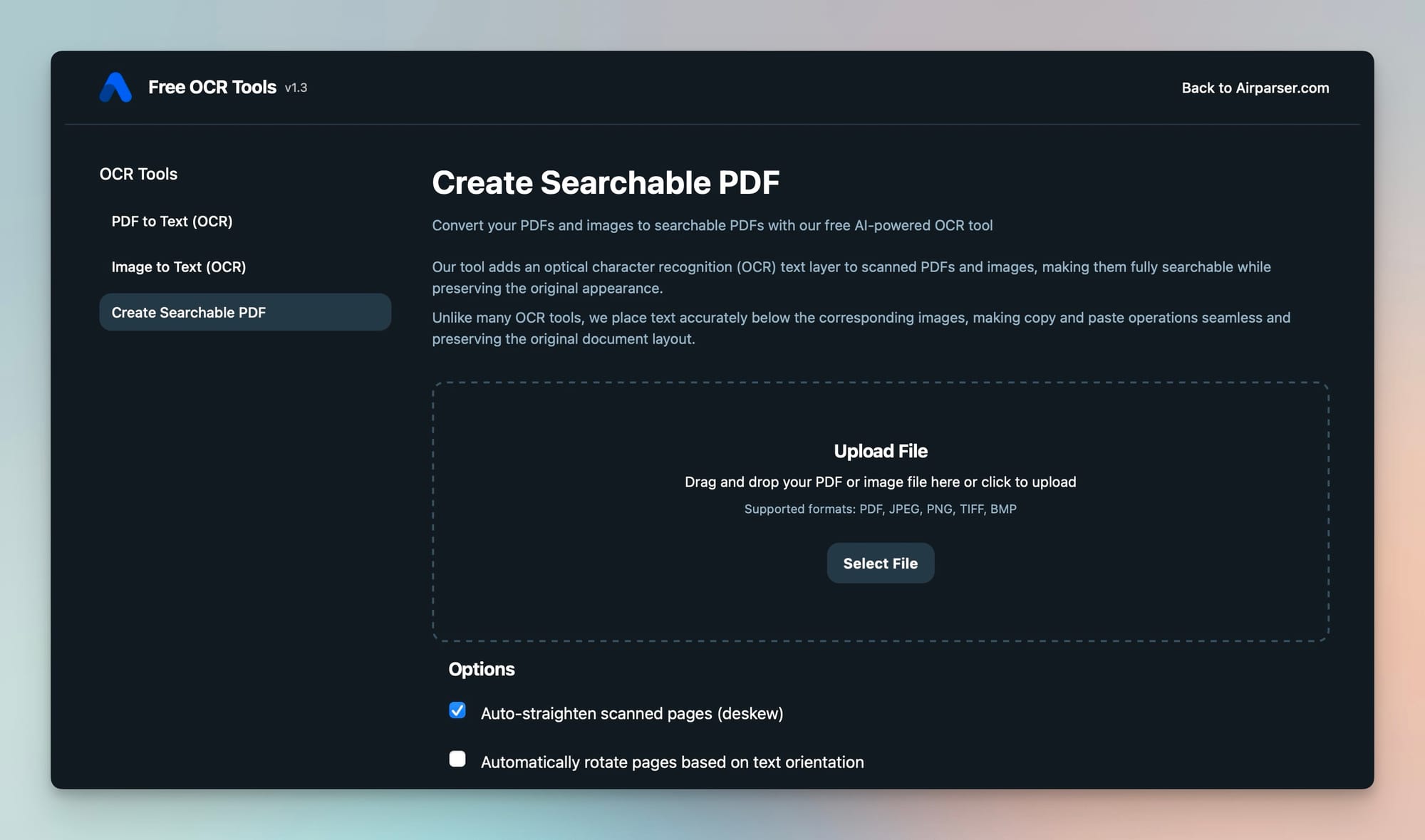
You can convert your document using this free tool:
https://ocr.airparser.com/searchable-pdf
When OCR is not enough
OCR makes documents searchable, but it does not organize or structure the information inside them.
For example, businesses often need to extract specific data such as:
- invoice numbers
- totals
- dates
- customer names
- email addresses
OCR can recognize the text, but it does not automatically extract these values.
For these workflows, a document parsing tool is required.
Extract data automatically with Airparser
If you need to extract structured data from PDFs, emails, or images automatically, you can use Airparser.
Airparser is an LLM-powered document parser designed to extract information from unstructured documents.
Instead of manually copying text, you define the fields you want to extract.
For example:
- invoice number
- customer name
- total amount
- order ID
- email address
Airparser then automatically extracts the data and sends it to tools such as:
- Google Sheets
- Excel
- APIs
- automation platforms
This helps automate document-heavy workflows and reduces manual data entry.
Conclusion
OCR and searchable PDFs are closely related but represent different concepts.
OCR is the technology that detects text in images and converts it into machine-readable characters.
A searchable PDF is the result of applying OCR to a document. It contains a hidden text layer that allows you to search, select, and copy text.
If you have scanned or image-based PDFs, applying OCR will turn them into searchable documents.
To learn how to do this step by step, read our guide.
You can also try converting your document using this free OCR tool:
https://ocr.airparser.com/searchable-pdf