Airparser + Make Integration
Build powerful document extraction workflows with Airparser and Make.com. Connect to 1,500+ apps with visual automation builder.
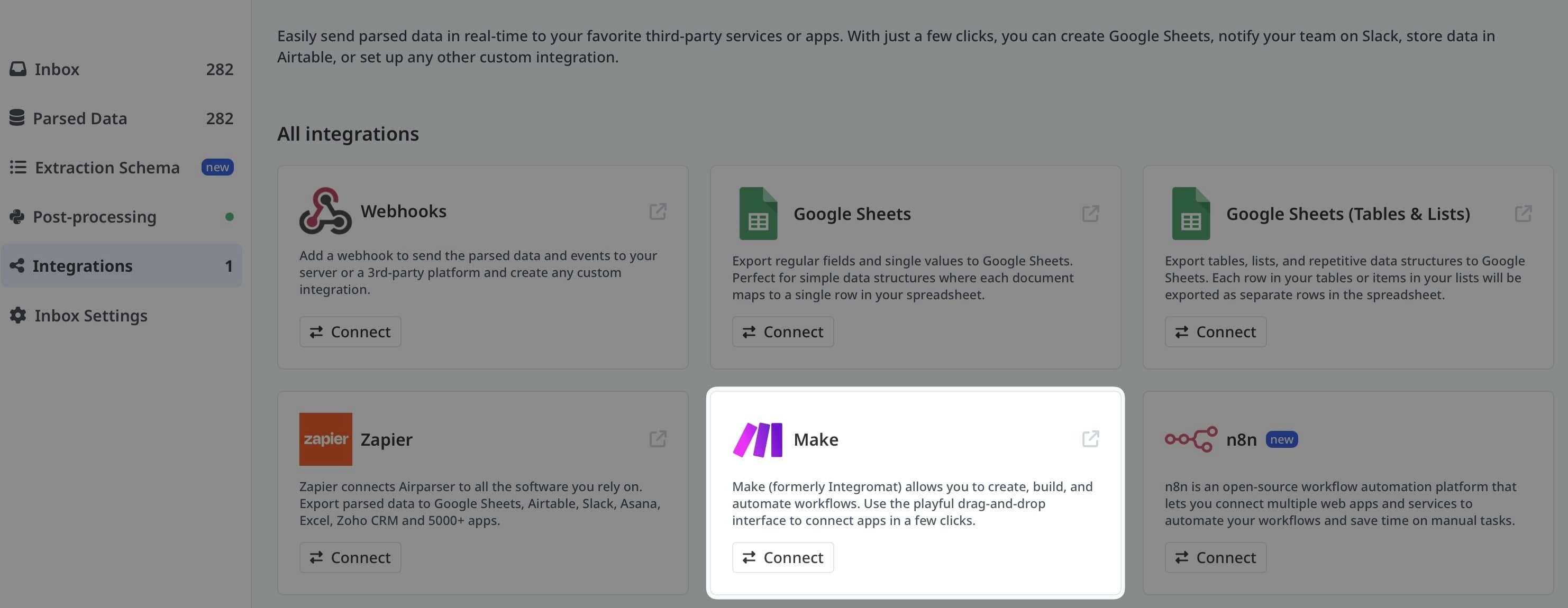


Visual Automation for Document Extraction
The Airparser + Make integration brings AI-powered document extraction to Make's visual automation platform. Extract structured data from PDFs, emails, invoices, and any document type, then build sophisticated workflows with Make's drag-and-drop interface.
Make (formerly Integromat) offers more advanced automation capabilities than traditional tools, with features like data transformation, error handling, and complex routing - perfect for enterprise document processing workflows.
Why Airparser + Make?
Popular Airparser Scenarios
Connect Airparser with your favorite apps to create powerful document processing scenarios.


Airparser to Google Sheets
Parse documents and automatically append data to Google Sheets with data transformation.
Try this scenario →
Airparser to Airtable
Extract document data and create structured Airtable records with linked relationships.
Try this scenario →
Airparser to Slack
Send parsed document data to Slack channels with rich formatting and attachments.
Try this scenario →
Airparser to Salesforce
Parse documents and automatically create or update Salesforce leads and opportunities.
Try this scenario →
Airparser to Notion
Extract document data and create rich Notion database entries automatically.
Try this scenario →
Airparser to HubSpot
Parse lead forms and documents, then create HubSpot contacts with enriched data.
Try this scenario →Advanced Make Features for Document Processing
Conditional Routing
Route extracted data to different apps based on document content, values, or custom logic.
Data Transformation
Transform, format, and enrich extracted data using Make's powerful built-in functions.
Error Handling
Built-in error handlers to manage failed extractions, retry logic, and fallback scenarios.
Iterators & Aggregators
Process multiple documents in batch, aggregate results, and handle complex data structures.
Scheduling
Schedule document processing at specific times or intervals with advanced timing controls.
Data Stores
Store extracted data temporarily in Make's data stores for complex multi-step workflows.
How to Set Up Airparser + Make
1. Create Accounts
Sign up for free accounts on both Airparser and Make.com to get started.
2. Configure Your Parser
Set up your document parser in Airparser and define extraction fields.
3. Build Your Scenario
Create a scenario in Make using Airparser as a trigger and add your action modules.
Why Choose Make Over Zapier?
Make Advantages
- Visual workflow builder with drag-and-drop
- Unlimited operations per scenario
- Advanced conditional logic and routing
- Built-in data transformation tools
- Better error handling and debugging
- More cost-effective for high-volume workflows
Zapier Advantages
- Simpler for basic workflows
- More app integrations (7,000+)
- Easier learning curve for beginners
Recommendation: Use Make for complex document processing workflows that require data transformation, conditional logic, or high-volume processing. Use Zapier for simpler workflows or when you need access to less common apps.
Frequently Asked Questions
Do I need to pay for both Airparser and Make?
Both offer free tiers to start. Make offers 1,000 operations per month free, and Airparser has a free trial. Scale up as needed based on your document processing volume.
How is Make different from Zapier?
Make offers more advanced features like visual workflow building, unlimited steps per scenario, built-in data transformation, and better error handling. It's more powerful for complex document processing workflows.
Can I process multiple documents in one scenario?
Yes! Make's Iterator and Aggregator modules allow you to process batches of documents and aggregate the results for bulk operations.
How do I handle extraction errors?
Make has built-in error handlers that let you define what happens when extraction fails - retry, send notifications, route to manual review, or use fallback logic.
Can I transform the extracted data before sending it?
Absolutely! Make has powerful built-in functions for text formatting, date conversion, mathematical operations, and custom transformations using formulas.
Is there a limit to scenario complexity?
No! Unlike Zapier's step limits, Make allows unlimited operations per scenario. Build as complex a workflow as you need.
Can I schedule document processing?
Yes! Make offers flexible scheduling options - run scenarios at specific times, intervals, or based on custom schedules.
How long does setup take?
Basic scenarios take 10-15 minutes to set up. More complex workflows with data transformation and conditional logic may take 30-60 minutes depending on requirements.
Ready to Build Advanced Document Workflows?
Combine Airparser's AI extraction with Make's powerful automation for enterprise-grade document processing.
