Airparser Webhooks & API
Send extracted document data to any system with webhooks. Real-time notifications, instant integrations, complete developer control.
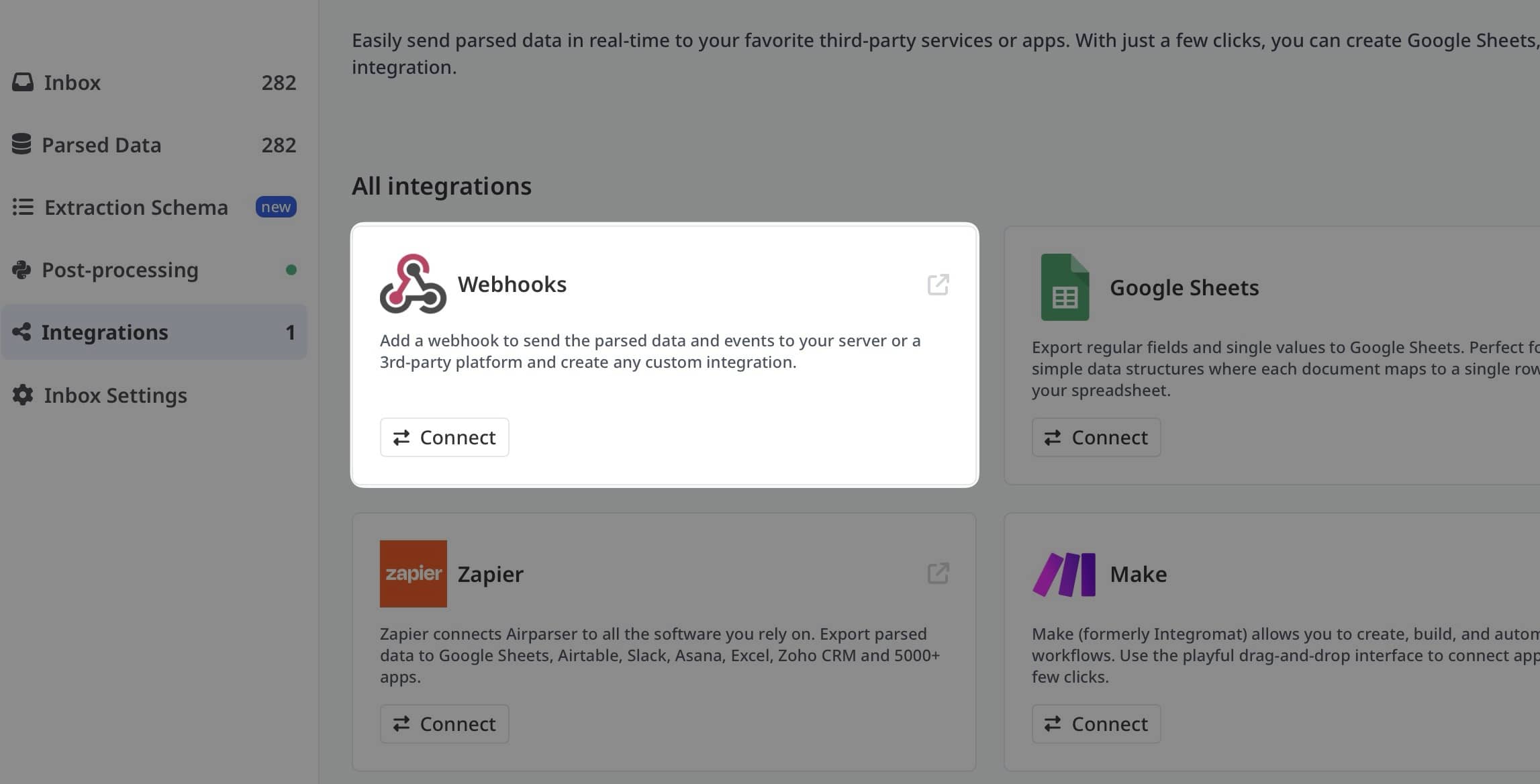
Connect to Any System
Webhooks let you receive real-time notifications when documents are processed. Send extracted data directly to your custom applications, internal systems, or any service that accepts HTTP POST requests.
Perfect for developers who need full control over their document processing workflows and want to integrate Airparser with proprietary systems, custom databases, or microservices architectures.
Why Use Webhooks?
How It Works
1. Document Received
Document sent to Airparser via email, upload, or API
2. AI Extracts Data
Airparser AI extracts structured data from the document
3. Webhook Triggered
HTTP POST sent to your endpoint with JSON data
4. Your System Processes
Your application receives and handles the data
How to Create a Webhook in Airparser
Watch this quick guide on setting up webhooks in Airparser to start receiving real-time data notifications.
Webhook Payload Example
When a document is processed, Airparser sends a JSON payload to your webhook URL:
{
  "parser_id": "parser_abc123",
  "document_id": "doc_xyz789",
  "timestamp": "2024-01-15T10:30:00Z",
  "extracted_data": {
    "invoice_number": "INV-2024-001",
    "invoice_date": "2024-01-10",
    "vendor": "Acme Corporation",
    "total_amount": 1250.00,
    "currency": "USD",
    "line_items": [
      {
        "description": "Professional Services",
        "quantity": 10,
        "unit_price": 125.00,
        "total": 1250.00
      }
    ]
  },
  "document_url": "https://airparser.com/documents/doc_xyz789",
  "confidence": 0.98
}
Webhook Use Cases
Custom Databases
Send extracted data directly to your PostgreSQL, MySQL, MongoDB, or any custom database system.
Internal Systems
Integrate with proprietary ERP, CRM, or internal business applications.
Microservices
Trigger microservice workflows and distributed processing pipelines.
Real-time Notifications
Send instant alerts to custom notification systems, mobile apps, or dashboards.
Analytics & Reporting
Feed extracted data into business intelligence tools and analytics platforms.
Custom Automation
Build complex, custom automation workflows tailored to your specific business logic.
Webhook Features
Secure Delivery
HTTPS encryption, optional webhook signatures for verification, IP whitelisting support.
Automatic Retries
Failed webhook deliveries are automatically retried with exponential backoff.
Delivery Logs
View detailed logs of all webhook deliveries, responses, and retry attempts.
Test Mode
Test your webhook endpoint with sample data before processing real documents.
Custom Headers
Add custom HTTP headers for authentication, routing, or metadata.
JSON Format
Clean, structured JSON payloads that are easy to parse and integrate.
Setting Up Webhooks
Create Your Webhook Endpoint
Set up an HTTP endpoint in your application that accepts POST requests. This can be any web server, serverless function, or API endpoint.
Configure in Airparser
In your parser settings, add your webhook URL. Optionally configure custom headers and authentication.
https://yourdomain.com/webhook/airparserTest Your Integration
Use the test feature to send a sample payload to your endpoint and verify it's working correctly.
Handle Incoming Data
Parse the JSON payload in your application and process the extracted document data according to your business logic.
Return 200 OK Response
Your endpoint should return a 200 status code to acknowledge receipt. Non-200 responses trigger automatic retries.
Example Webhook Handler
Simple Node.js/Express example for handling Airparser webhooks:
const express = require('express');
const app = express();

app.use(express.json());

app.post('/webhook/airparser', (req, res) => {
  const data = req.body;

  console.log('Received data:', data.extracted_data);

  // Process the extracted data
  // e.g., save to database, trigger workflow, etc.

  // Return 200 to acknowledge receipt
  res.status(200).json({ received: true });
});

app.listen(3000, () => {
  console.log('Webhook server running on port 3000');
});
RESTful API Access
In addition to webhooks, Airparser provides a comprehensive RESTful API for programmatic access to all features.
Upload Documents
Submit documents for parsing via API endpoints
Retrieve Results
Fetch extracted data with GET requests
Manage Parsers
Create and configure parsers programmatically
Check Status
Monitor processing status and history
Frequently Asked Questions
What HTTP methods are supported?
Webhooks use HTTP POST requests with JSON payloads. Your endpoint should accept POST requests and return a 2xx status code.
How do I secure my webhook endpoint?
Use HTTPS, verify webhook signatures, implement IP whitelisting, or require API keys in custom headers. Airparser supports all these authentication methods.
What happens if my endpoint is down?
Airparser will automatically retry failed deliveries up to 5 times with exponential backoff. You can view all delivery attempts in the webhook logs.
Can I have multiple webhooks per parser?
Yes! Configure multiple webhook URLs to send extracted data to different systems simultaneously.
Is there a timeout for webhook delivery?
Webhook requests timeout after 30 seconds. Your endpoint should respond quickly and process data asynchronously if needed.
Can I filter which documents trigger webhooks?
Yes! Set up conditional webhooks based on extracted data values, document types, or custom criteria.
What if I need to debug webhook issues?
View detailed delivery logs showing request/response data, timing, and error messages. Use the test feature to send sample payloads during development.
Build Custom Integrations with Webhooks
Get full developer control with Airparser webhooks and API. Free trial, no credit card required.
