Airparser + Zapier Integration
Automate document data extraction and connect to 7,000+ apps with Airparser's powerful Zapier integration. No coding required.
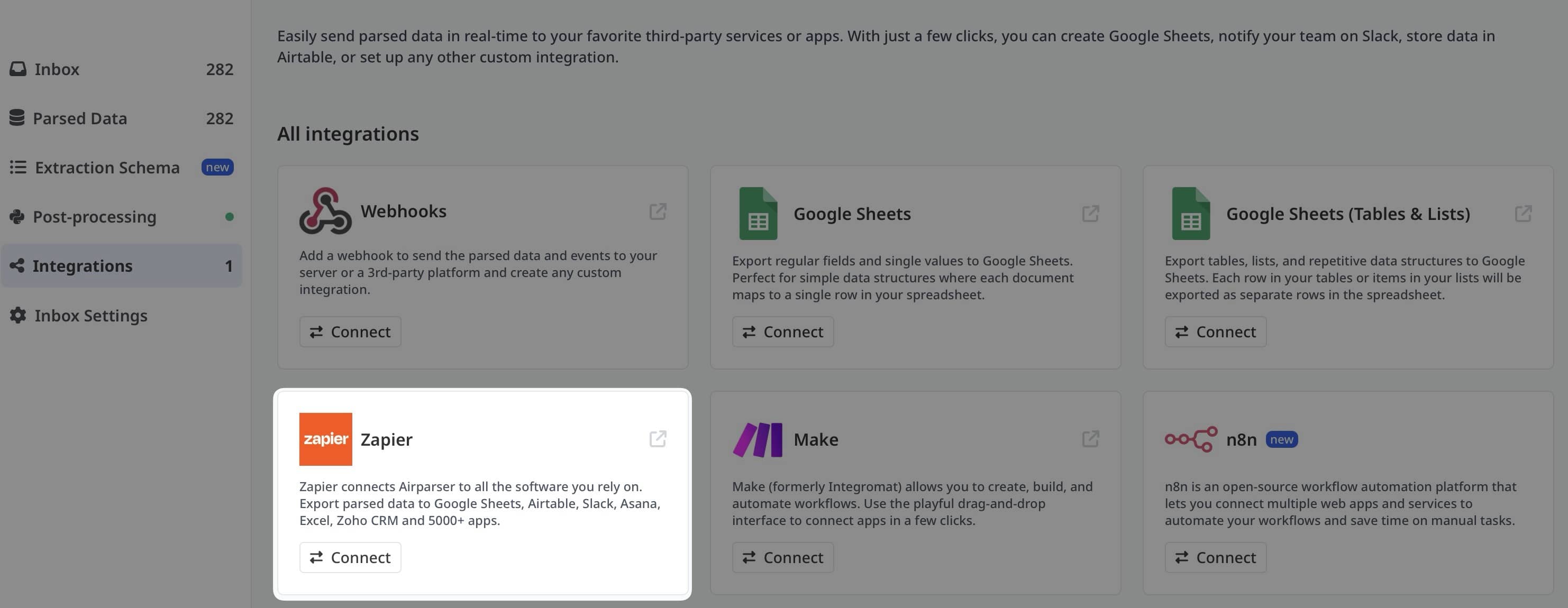


Extract Documents & Automate Workflows
The Airparser + Zapier integration combines powerful AI document extraction with workflow automation. Extract structured data from PDFs, emails, and documents, then automatically send it to thousands of apps including Google Sheets, Salesforce, Slack, Airtable, and more.
Whether you're processing invoices, resumes, order confirmations, or any other documents, this integration eliminates manual data entry and connects your document extraction directly to your business tools.
Why Airparser + Zapier?
Popular Airparser Zaps
Connect Airparser with your favorite apps to automate document processing workflows.
How to Set Up Airparser + Zapier
1. Create Accounts
Sign up for free accounts on both Airparser and Zapier if you haven't already.
2. Configure Your Parser
Set up your document parser in Airparser and define the fields you want to extract.
3. Build Your Zap
Connect Airparser as a trigger in Zapier and choose your action apps to complete the workflow.
Step-by-Step Setup Guide
Create Your Parser in Airparser
Log in to Airparser and create a new parser. Define the data fields you want to extract from your documents (e.g., invoice number, amount, date, customer name).
Get Your Parser Inbox Email
Each Airparser gets a unique email address. Forward documents to this address or set up email forwarding rules.
Create a New Zap in Zapier
In Zapier, click "Create Zap" and search for "Airparser" in the trigger apps.
Connect Your Airparser Account
Authorize Zapier to connect with your Airparser account using your API key (found in Airparser settings).
Choose Trigger: "New Extracted Data"
Select the trigger event "New Extracted Data" and choose which parser to monitor for new documents.
Add Action Apps
Choose what you want to do with the extracted data. Popular actions include adding rows to Google Sheets, creating CRM records, sending notifications, or updating databases.
Map Your Fields
Map the extracted data fields from Airparser to the corresponding fields in your action app.
Test & Turn On Your Zap
Test your Zap with sample data to ensure everything works correctly, then turn it on to start automating!
Key Benefits
No-Code Automation
Build powerful document processing workflows without writing any code. Simple drag-and-drop interface.
AI-Powered Extraction
Advanced AI understands document context and extracts data with 99% accuracy, no templates needed.
Real-Time Processing
Documents are processed instantly when received, triggering your workflows in real-time.
7,000+ Integrations
Connect to virtually any business tool through Zapier's massive app ecosystem.
Enterprise Security
Bank-level encryption, GDPR compliance, and secure data handling for peace of mind.
Scalable Solution
Process thousands of documents per day. Scales with your business needs automatically.
Use Cases by Industry
Finance & Accounting
- Invoice processing to QuickBooks/Xero
- Bank statement analysis to spreadsheets
- Receipt tracking for expense reports
Human Resources
- Resume parsing to ATS systems
- Employee document management
- Background check automation
Sales & Marketing
- Lead capture forms to CRM
- Business card scanning to contacts
- Order confirmations to sales dashboard
E-commerce & Retail
- Order processing automation
- Shipping label data extraction
- Return request processing
Frequently Asked Questions
Do I need to pay for both Airparser and Zapier?
Both Airparser and Zapier offer free tiers to get started. You can test the integration at no cost. As your usage grows, you may need to upgrade to paid plans on either or both platforms depending on your volume.
How long does it take to set up a Zap?
Setting up a basic Zap with Airparser takes about 5-10 minutes. More complex multi-step workflows might take 15-20 minutes to configure.
Can I use Airparser without Zapier?
Yes! Airparser works independently and offers direct API access, webhooks, and CSV exports. Zapier just makes it easier to connect to thousands of apps without coding.
What document types can I process?
Airparser can process PDFs, Word documents, Excel files, images, emails, and more. The AI understands content regardless of format and extracts structured data automatically.
How many Zaps can I create with Airparser?
There's no limit on the number of Zaps you can create with Airparser. Your limit depends on your Zapier plan, not Airparser.
Can I create multi-step Zaps?
Absolutely! You can create complex workflows with multiple actions after Airparser extracts your data. For example: extract invoice data → add to Google Sheets → create QuickBooks invoice → send Slack notification.
What happens if extraction fails?
Airparser has built-in error handling. If a document can't be processed, you'll receive a notification. You can set up Zapier filters to handle errors gracefully and route failed extractions for manual review.
Is there a free trial available?
Yes! Both Airparser and Zapier offer free plans so you can test the integration risk-free before committing to paid plans.
Can I process documents in different languages?
Yes! Airparser's AI supports 60+ languages and can extract data from documents in any supported language through Zapier.
Ready to Automate Your Document Processing?
Join thousands of businesses using Airparser + Zapier to eliminate manual data entry and streamline their workflows.
