AI Data Parser
Turn unstructured documents, emails, and PDFs into clean, structured data automatically. No templates, no rules, no code — just describe the fields you need.
Free trial · No credit card required
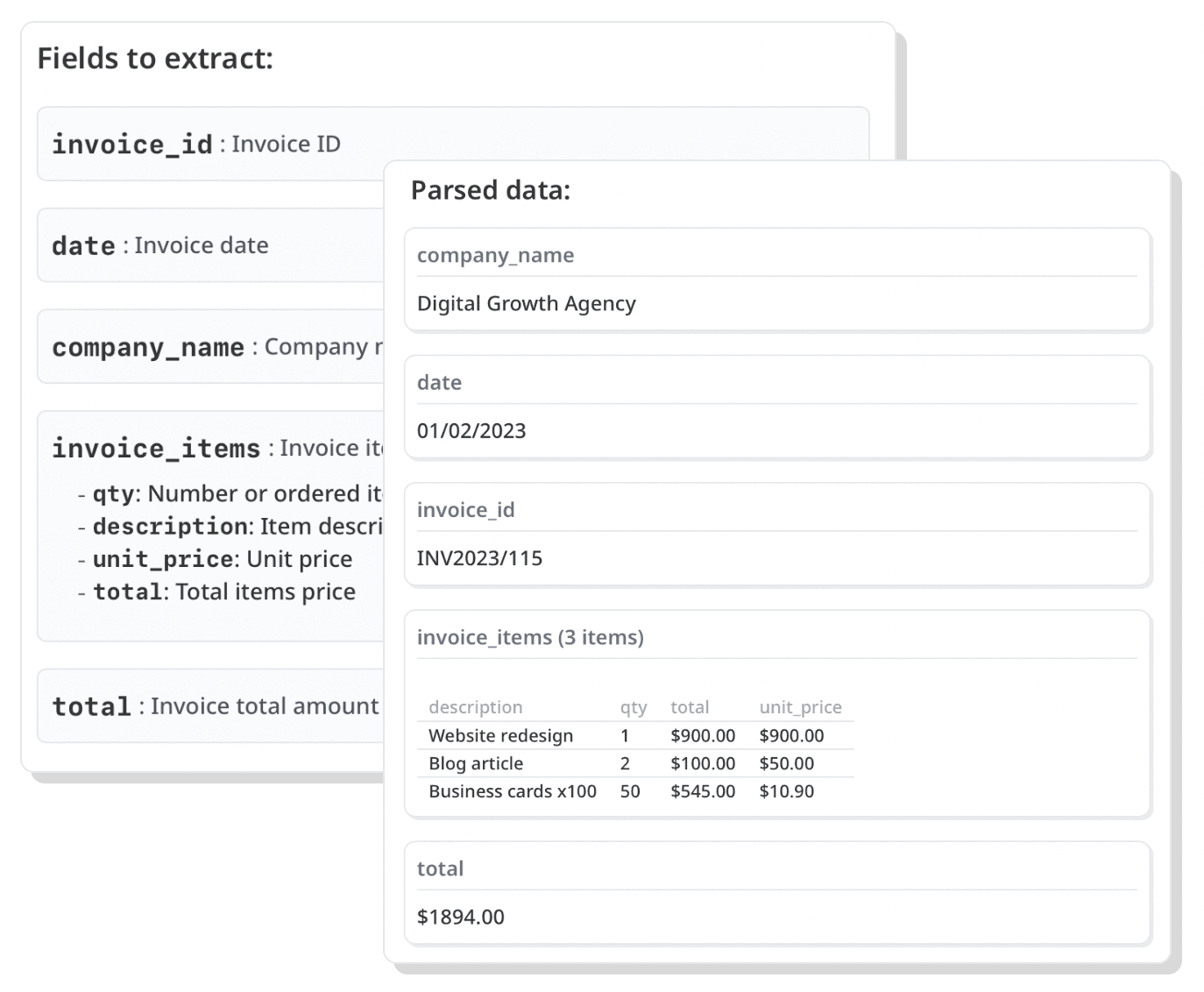
What is a data parser?
A data parser is a tool that reads unstructured or semi-structured content — like emails, PDFs, invoices, spreadsheets, or scanned documents — and extracts specific pieces of information into a structured format such as JSON, CSV, or a spreadsheet.
Traditional data parsing software relies on rigid templates and parsing rules: you define exactly where each value sits, and the parser breaks the moment a layout changes. Airparser takes a different approach. It uses large language models to understand the meaning of a document, so it extracts the right data even when the format varies from one sender or vendor to the next.
How AI data parsing works
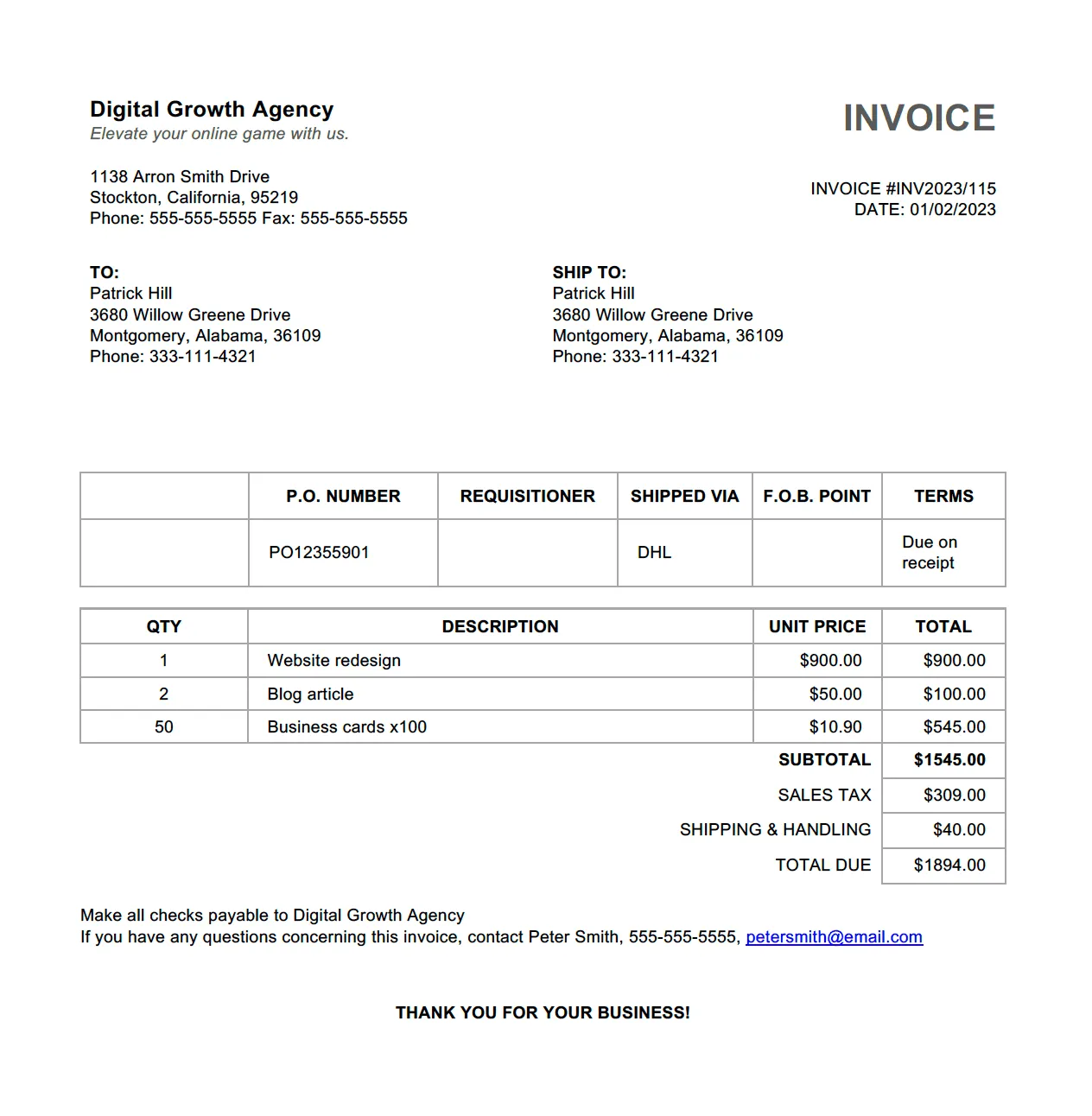
Import
Forward emails to a dedicated inbox, upload documents, or send them via API, Zapier, Make, or n8n.
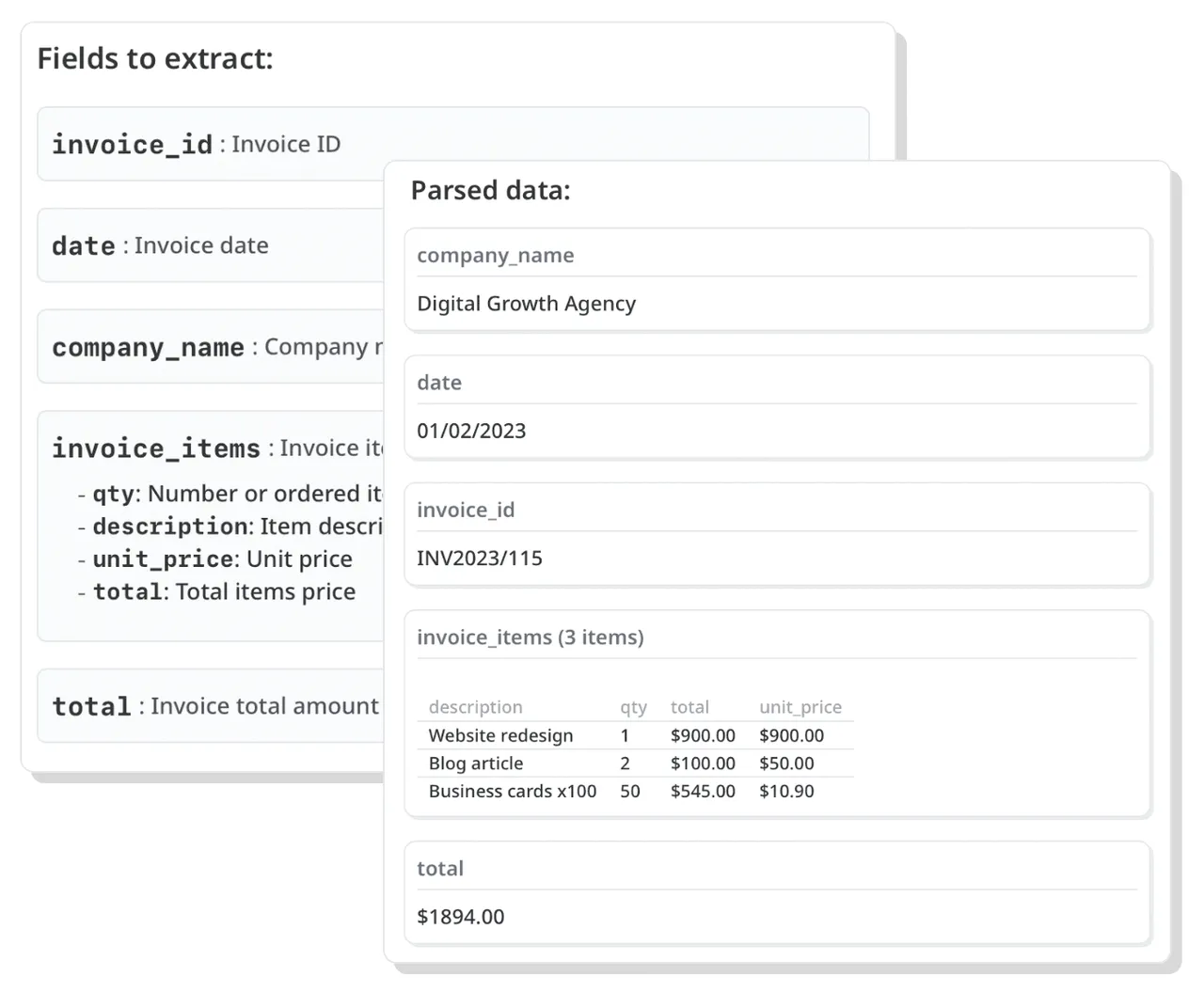
Extract
Define an extraction schema — a list of the fields you need. The AI parses the data regardless of layout variations.
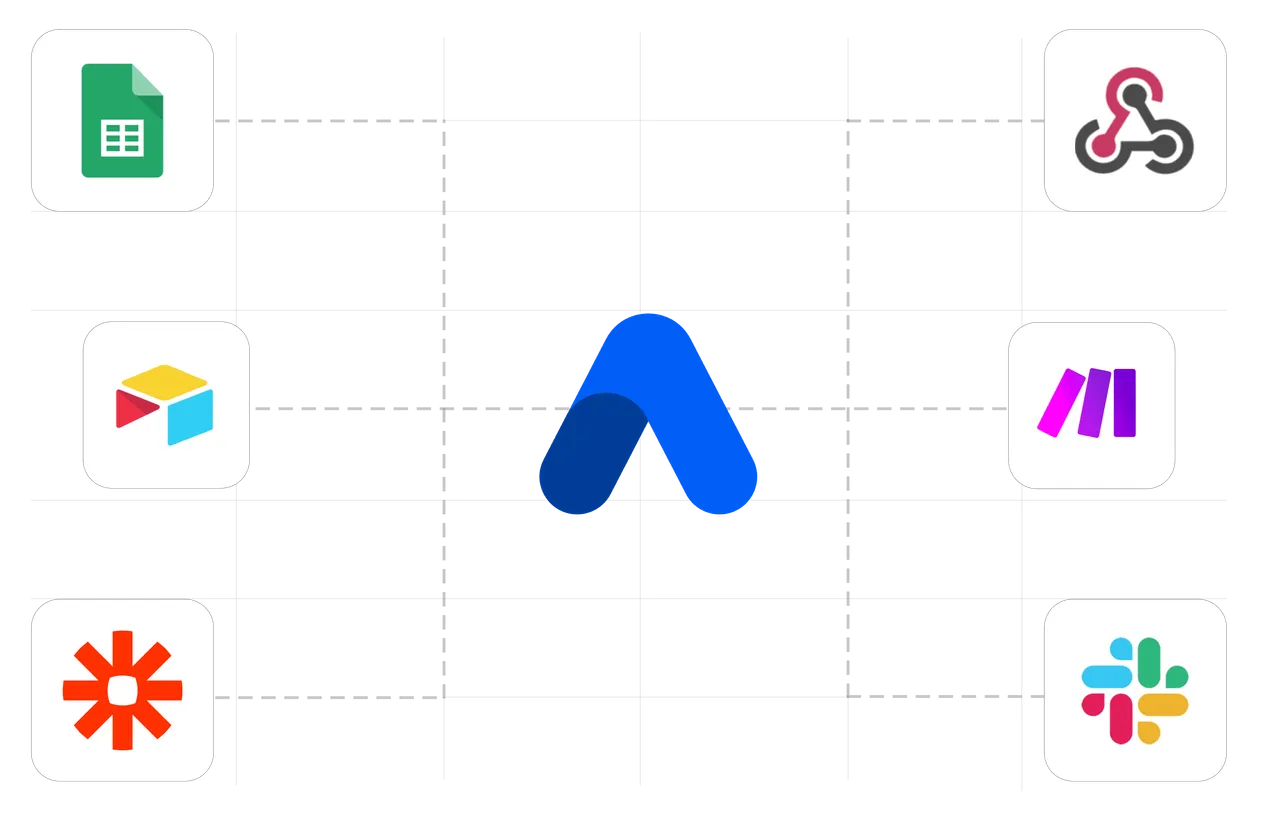
Export
Get structured data via webhooks or API, or sync it live to Google Sheets, Excel, Airtable, and 6,000+ apps.
What data can Airparser parse?
Emails
Extract structured data from email bodies and attachments — regardless of sender or format.
PDFs & documents
Parse invoices, contracts, bank statements, reports, Word and Excel files into structured data.
Scans & images
A built-in OCR engine reads typed, scanned, and handwritten text in 60+ languages before extraction.
Tables & line items
Extract repeating rows — invoice line items, order rows, transactions — as structured arrays.
AI data parsing vs. rule-based parsers
Rule-based parsing software
- Templates break when layouts change
- Manual setup for each document type
- Struggles with unstructured content
Airparser (AI-powered)
- Handles varying and messy layouts
- Describe fields in plain language — no rules
- Understands context like a human would
Comparing options? See the best document extraction tools →
Common data parsing use cases
Invoice data
Extract invoice numbers, totals, VAT, and line items into your accounting system.
Bank statements
Convert PDF statements into structured transactions for bookkeeping and reconciliation.
Resumes & CVs
Parse candidate data from resumes for your ATS and recruiting workflows.
Email data
Capture leads, orders, and notifications from incoming emails automatically.
Order confirmations
Extract order details from marketplace and shop confirmation emails.
Developer API
Build data parsing into your own product with a production-ready REST API.
What our customers say