Airparser vs Parseur
An honest comparison for teams choosing between two modern AI document parsers.
Quick answer
Parseur is a strong no-code parser with AI, templates, email intake, and broad automation integrations. Airparser is the better choice when you need schema-first extraction, complex variable layouts, developer-friendly APIs, AI-agent workflows, and reliable processing across PDFs, scans, emails, tables, and handwritten documents.
Parseur
Choose Parseur if your team wants a mature no-code email and document parser, especially for workflows where a template engine is useful for fixed layouts.
Airparser
Choose Airparser if you want to define the output schema once and let AI extract structured data from changing document formats without maintaining per-layout templates.
What is a document parser?
A document parser extracts structured data from documents, emails, PDFs, images, and scans. Instead of manually copying invoice totals, order details, applicant data, contract terms, or shipment information, the parser turns unstructured content into usable fields.
The best modern parsers do more than OCR. They understand layout, context, tables, line items, field types, and downstream workflow requirements, then send clean data to spreadsheets, CRMs, ERPs, databases, APIs, and automation tools.
What is Parseur?
Parseur is an AI document extraction and email parsing platform. It accepts documents by email, upload, API, and automation tools, then exports parsed data to apps like Google Sheets, Zapier, Make, n8n, Power Automate, webhooks, CSV, Excel, JSON, and its REST API.
Parseur is a credible competitor. Its public product pages describe AI, Vision AI, Text AI, templates for fixed forms, OCR, table extraction, EU hosting, GDPR readiness, and a permanent free tier with 20 pages per month.
Parseur's strongest points are real:
Why teams choose Airparser over Parseur
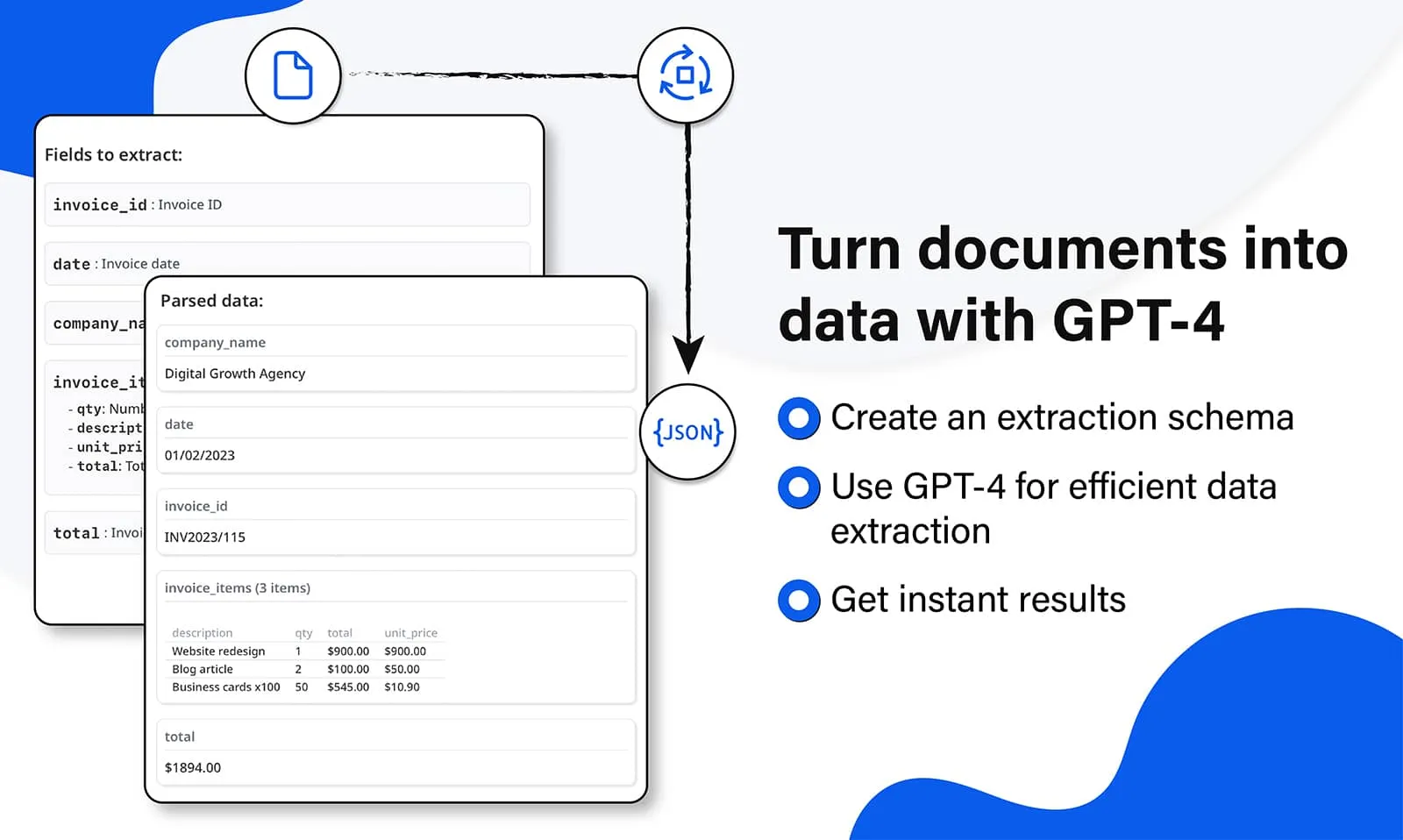
Airparser is designed around a schema-first AI extraction workflow. You define the exact fields, types, lists, tables, and nested data you need, and Airparser returns consistent structured output for downstream systems.
That matters when documents vary by supplier, customer, country, scanner quality, email format, or layout. Instead of building and maintaining a template for each new layout, Airparser focuses on semantic extraction: what the field means, not where it appears on the page.
Airparser is also a stronger fit for technical teams and AI workflows: API access, webhooks, post-processing, validation, human-in-the-loop review, and MCP support make it easier to use extracted document data inside production automations and AI agents.
Parseur and Airparser compared
Both tools can parse emails, PDFs, scans, and business documents. The difference is where each product is strongest: Parseur is excellent for no-code parsing with optional templates; Airparser is stronger for schema-driven AI extraction, complex layouts, and automation-ready structured data.
| Parseur | Airparser | |
|---|---|---|
| Best fit | No-code email and document parsing | AI document extraction for variable and complex layouts |
| Primary setup model | Plain-English fields, AI, and optional templates | Structured schema with field types, lists, and tables |
| Fixed-layout documents | Strong, especially with templates | Strong with AI schema extraction |
| Variable-layout documents | Supported by AI | Core strength |
| Complex tables and line items | Supported | Schema-driven list and table extraction |
| Emails and attachments | ||
| PDFs, scans, and images | ||
| Handwritten text | Vision AI / OCR support | Vision-model extraction for handwritten and scanned documents |
| Web page and HTML parsing | Not a core public feature | |
| No-code integrations | Zapier, Make, n8n, Power Automate, Google Sheets, webhooks | Zapier, Make, n8n, Google Sheets, webhooks, API, and more |
| REST API | Available on every plan | Advanced API for document extraction workflows |
| AI agents / MCP | No native MCP server | Native MCP server |
| Human-in-the-loop review | Not publicly listed as a built-in feature | Built in, on all plans |
| Post-processing and validation | Supported, including validation and Python post-processing | Built-in post-processing, validation, and workflow controls |
| Free tier | 20 pages/month | Free account for testing |
Which one should you choose?
The honest answer is that both tools are good. The better choice depends on whether your workflow is mostly no-code parsing or whether you need robust AI extraction for messy, changing, production documents.
Parseur is a good fit when:
- Your team wants a polished no-code parser for email-heavy workflows.
- You process many documents with stable, repeatable layouts.
- You value template-based extraction for deterministic fixed forms.
- Your first priority is a free monthly allowance for a small evaluation.
Airparser is a better fit when:
- Your documents change layout often, or come from many suppliers, customers, or portals.
- You need consistent JSON output with nested fields, lists, tables, and strict field names.
- You want an API-first parser that also works for no-code teams.
- You plan to connect document extraction to AI agents, internal tools, or production automations.
- You need human review, validation, post-processing, and fallback handling around AI extraction.
Why Airparser over building it yourself with an LLM API?
It is easy to send a document to an LLM and get a plausible answer. It is much harder to run reliable extraction in production, where schemas, retries, validation, exports, and errors all matter.
Consistent schema output
Airparser enforces a structured schema per inbox, so your downstream systems receive stable field names and types.
Webhook and integration pipeline
Send extracted data to webhooks, API endpoints, Zapier, Make, n8n, Google Sheets, and other tools without building every connector yourself.
Multi-engine fallback
Airparser can handle text PDFs, scanned documents, images, difficult layouts, and handwriting with the best available extraction path.
Validation and review
Use post-processing, validation, and human-in-the-loop review to catch issues before data reaches business-critical systems.
AI-agent ready
Airparser's API and MCP support make extracted document data easier to use inside agentic workflows and internal AI tools.
Less maintenance
Schema-first extraction reduces the need to maintain prompts, layout rules, and one-off scripts as documents evolve.
Everything you need to know
Is Airparser better than Parseur?
Airparser is better for teams that need schema-first AI extraction, changing document layouts, complex tables, developer APIs, MCP support, and automation-ready JSON. Parseur is still a strong option for no-code email parsing and fixed-layout documents where templates are useful.
What is the main difference between Airparser and Parseur?
Parseur combines AI extraction with template-based parsing. Airparser focuses on structured, schema-driven AI extraction, where you define the fields and output shape once and the AI adapts across layouts.
Does Parseur support AI document extraction?
Yes. Parseur publicly describes AI, Vision AI, Text AI, OCR, templates, and table extraction. The comparison is not AI versus non-AI; it is about which workflow is better for your documents.
When should I use Parseur instead of Airparser?
Use Parseur if you primarily need no-code email parsing, a permanent free monthly allowance, or template-based extraction for fixed forms. It is a serious product and may be the right fit for those workflows.
When should I use Airparser instead of Parseur?
Use Airparser when document layouts change often, when you need structured JSON output for downstream systems, or when you want document extraction connected to APIs, webhooks, human review, post-processing, and AI-agent workflows.
Can Airparser replace Parseur?
Yes. Airparser can replace Parseur for email parsing, PDF extraction, scanned documents, table extraction, and workflow automation, especially when you want less template maintenance and more control over the output schema.
Sources checked
This page was written from public product information available from Parseur and Airparser. Product features can change, so always verify the final details before buying.
Just a few of the companies already using Airparser
The Right Product for quick integration of smart extraction of data from PDF.
Marty N.
CEO, Information Technology
on Capterra
Airparser Makes Email Parsing Effortless With LLM-Powered Engine
Emily C.
Content Director
on Capterra
Easiest AI powered data extraction tool!
MFMitch F.
Information Technology and Services
on Capterra