Parse Documents from Dropbox Automatically
Send every new file in a Dropbox folder to Airparser and store the extracted data wherever you need it.
Emails, PDFs, scans

Airparser extracts the fields




Zapier · Make · n8n · Webhooks

Dropbox
Many teams collect documents in a shared Dropbox folder. With Zapier or Make, each new file can be sent to Airparser, and the parsed fields can go to a spreadsheet, database or accounting tool.
What you can automate
Invoice and receipt folders
Drop invoices or receipts in a folder and get the vendor, date and total as structured data.
Scanned paperwork
Parse scans and photos of forms, delivery notes and contracts that your team uploads.
Archive and index
Create a searchable table of fields extracted from files that already sit in Dropbox.
Example field mapping
An illustrative mapping. You choose the fields in your Airparser extraction schema and map them to Dropbox in Zapier, Make or n8n.
| Airparser field | Dropbox field | |
|---|---|---|
| file name | Dropbox file name | |
| document_date | Date | |
| vendor_name | Vendor | |
| total_amount | Amount | |
| parsed JSON | Saved as a file or row |
How it works
Create an inbox and define the fields
Create a parser in Airparser and list the fields you need, or let Airparser suggest them from a sample document.
Send it emails or documents
Forward emails to the inbox address, upload files, or send them through the API or an automation.
Airparser extracts the data
An AI model reads each document and returns the fields as structured data. You can review the result next to the original.
Send it to Dropbox
A Zap, Make scenario, n8n workflow or webhook passes the parsed fields to Dropbox as soon as parsing finishes.
Ways to connect Airparser to Dropbox
Airparser connects to Dropbox through automation platforms and webhooks. It is not a native Dropbox app, so you set up the connection once in the tool you prefer.
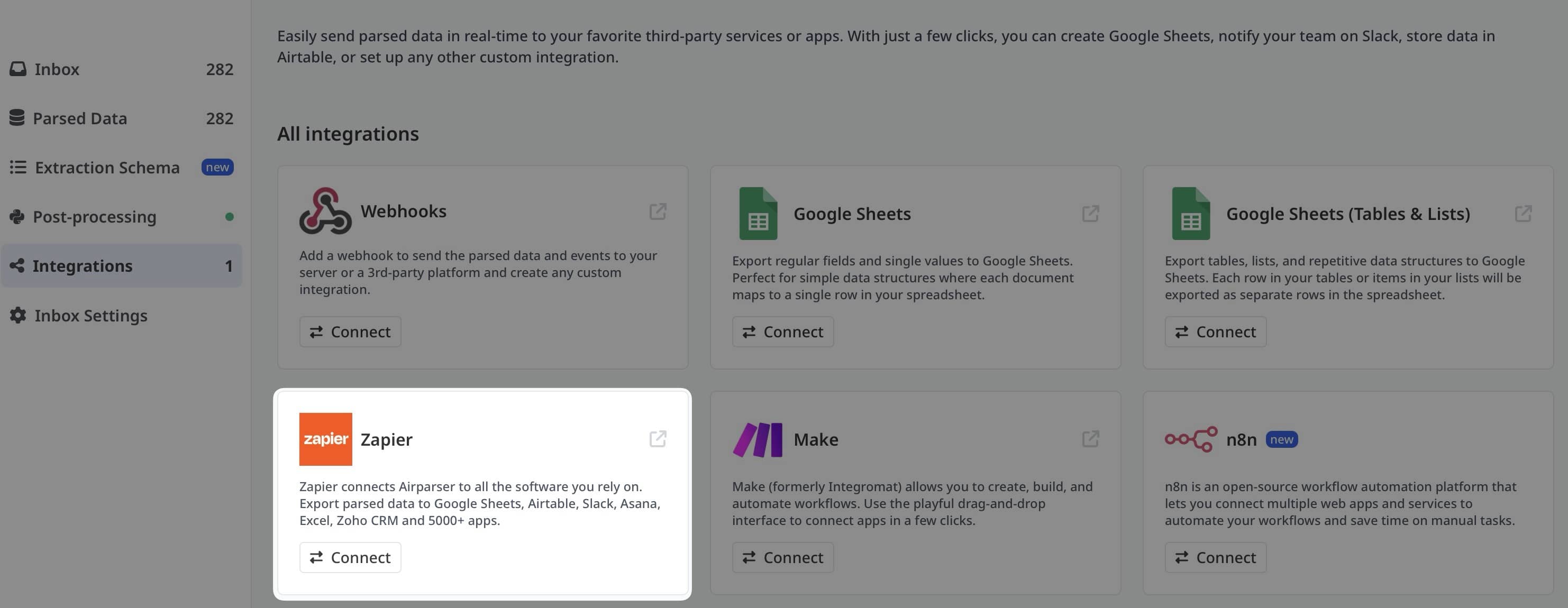
Zapier
Use the Airparser trigger Document parsed and add a Dropbox action.
Zapier integration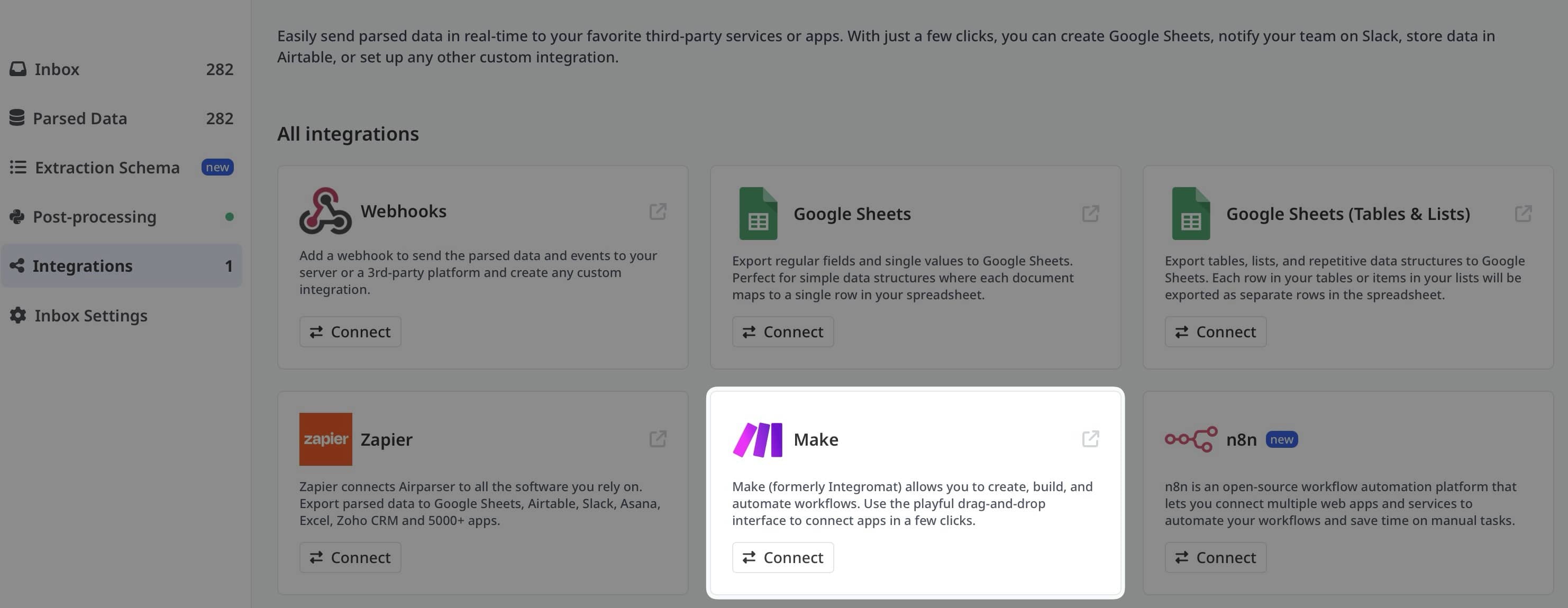
Make
Use the Airparser module and connect it to Dropbox in a visual scenario.
Make integration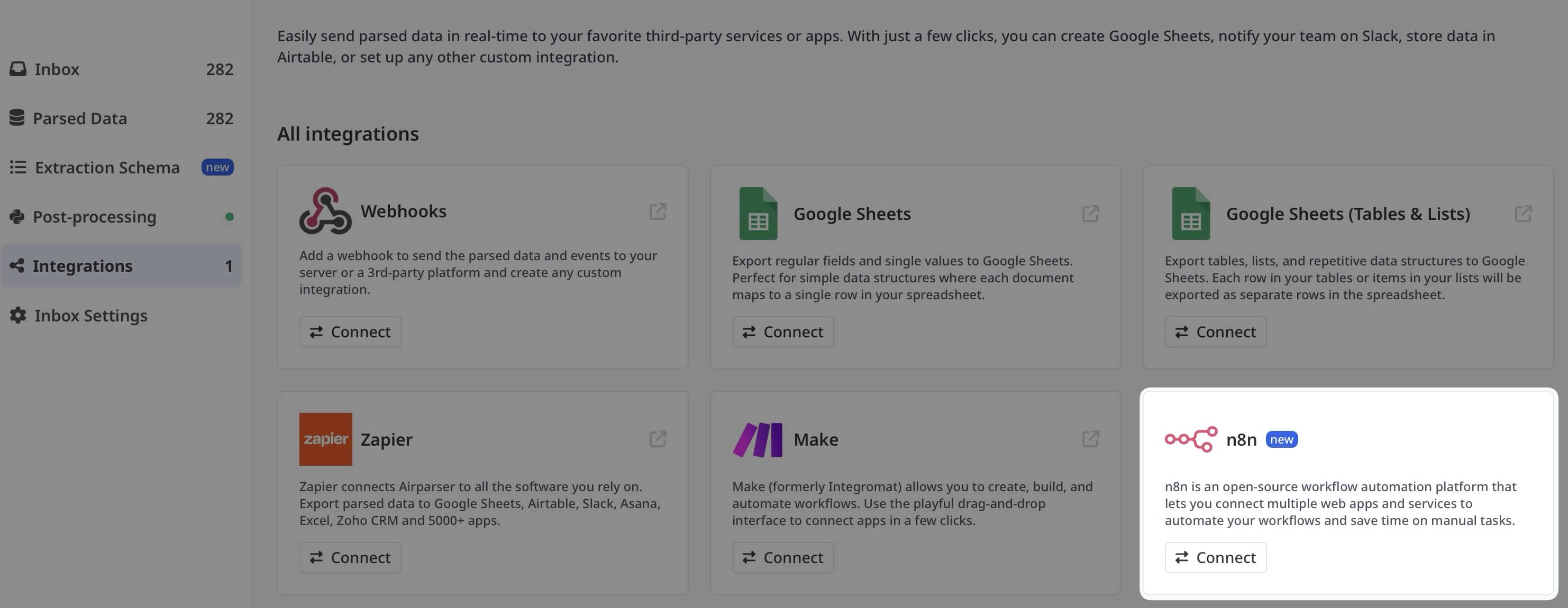
n8n
Use the Airparser node in a self-hosted or cloud n8n workflow.
n8n integration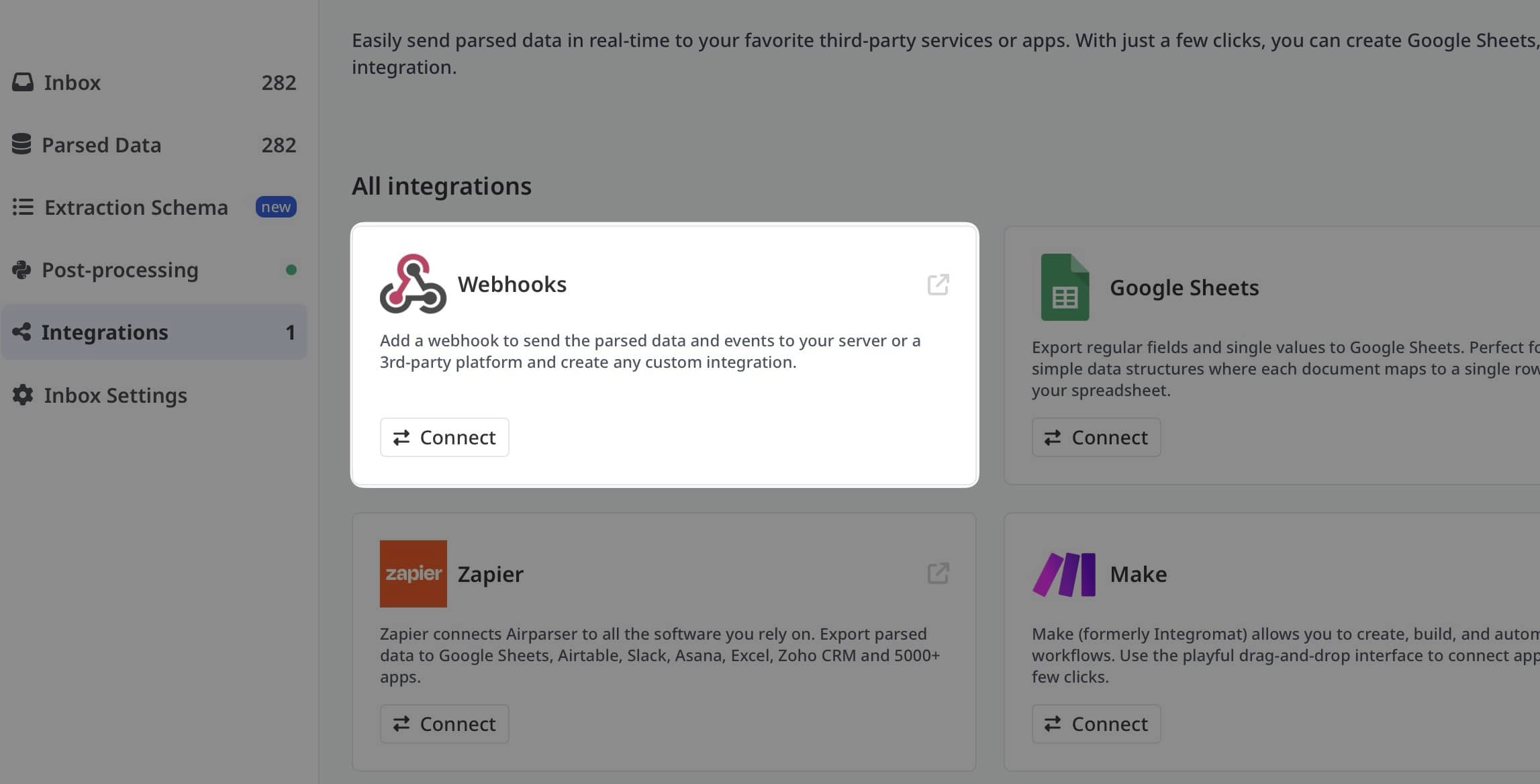
Webhooks
Send parsed data as JSON to any URL and call the Dropbox API yourself.
Webhooks integrationFrequently asked questions
How do new Dropbox files reach Airparser?
Use Zapier or Make: the trigger is a new file in a Dropbox folder and the action sends the file to your Airparser inbox, in the same way as the documented Google Drive recipe.
Can the parsed data be saved back to Dropbox?
Yes. Your automation can create a CSV or JSON file in Dropbox from the parsed fields.
Does Airparser have a native Dropbox integration?
Airparser sends parsed data to Dropbox through Zapier, Make, n8n or webhooks rather than through a native Dropbox app. You set the connection up once and it runs on every new document.
Do I need to write code to connect Airparser and Dropbox?
No. With Zapier or Make you pick Airparser as the trigger and Dropbox as the action and map the fields in a visual editor. Webhooks are the option for teams that want to call the Dropbox API from their own code.
Can I try it before paying?
Yes. Airparser has a free trial with no credit card, so you can parse a few of your own documents and test the Dropbox connection first.
More integrations
 Mailchimp
 Microsoft Outlook
 SMS (Twilio)
 HubSpot
 Salesforce
 QuickBooks
 Xero
 Notion
 Slack
 Google Drive
 Zoho CRM
 Gmail
 OneDrive
 SharePoint
 Shopify
 MySQL
 PostgreSQL
 Zendesk
 Asana
 Trello
 Google Calendar
 WooCommerce
 Microsoft Teams
 Jira
 ClickUp
 Box
 Telegram
 WhatsApp
 Odoo
 Stripe
 DocuSign
 Intercom
 Google Docs
 BigCommerce
 TodoistAll integrations →
Connect Airparser to Dropbox
Start free, parse a few documents and send the results to Dropbox.
